ShieldDesk for iOS/iPadOS
Mobile security desk for suspicious message review, link checks, case capture, training, and readiness brief export.
 Kairnex Solutions
ShieldDesk for iOS and macOS
ShieldDesk helps iPhone, iPad, and Mac users triage suspicious messages, review risky links, create local support cases, track review status, and export a support bundle when a case needs escalation.
Status: App Store review in progress. Current iOS, iPadOS, and macOS builds are local-first and do not require an account. Hosted Kairnex services, account entitlements, and paid plan access are handled separately.
 iOS and macOS app
App surfaces
ShieldDesk is presented as focused App Store apps for mobile and desktop users. Both versions keep the same local-first security desk model for message triage, link review, local cases, readiness evidence, and support handoff.
Mobile security desk for suspicious message review, link checks, case capture, training, and readiness brief export.
Desktop security desk for the same triage and support workflow on Mac, with local cases and evidence handoff.
Current builds do not require sign-in and keep the primary review workflow on the user device.
Users can package case context and readiness notes for support, insurer, advisor, or internal review.
Visible workflows
ShieldDesk provides a local app workspace with overview metrics, case creation, message triage, link checking, checklist readiness, training, reports, settings, and support bundle export.
Show checklist score, open cases, high-priority cases, scan readiness, recent activity, and quick URL triage.
Analyze suspicious email text, invoice requests, payment-change messages, and urgent social engineering patterns.
Review risky URLs, destination indicators, pattern scores, and recommended actions before opening links.
Create cases, add contact details and evidence, track status, and send support-ready cases forward.
Product screens
These iPhone screenshots show the current ShieldDesk App Store workflow. The macOS app uses the same product focus for suspicious message and link triage.
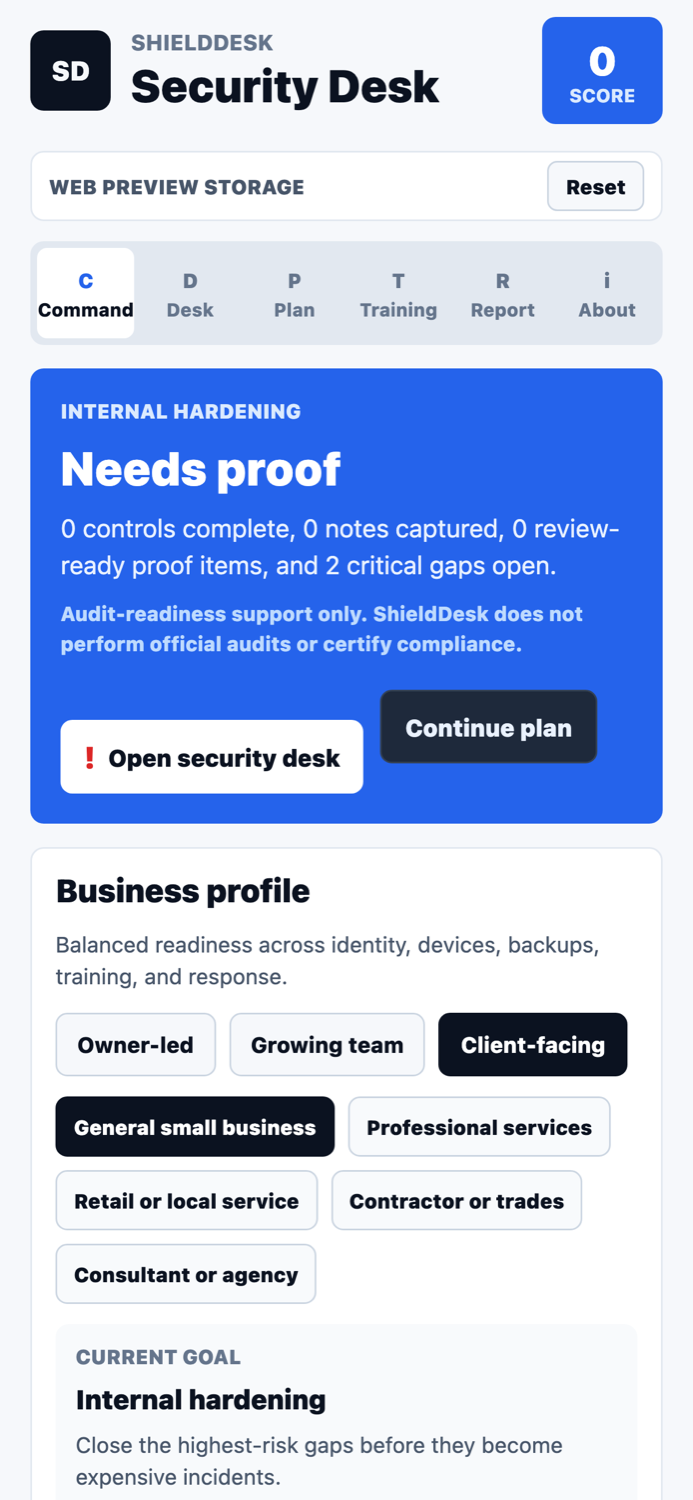
See score, business profile, open gaps, and the next security action.
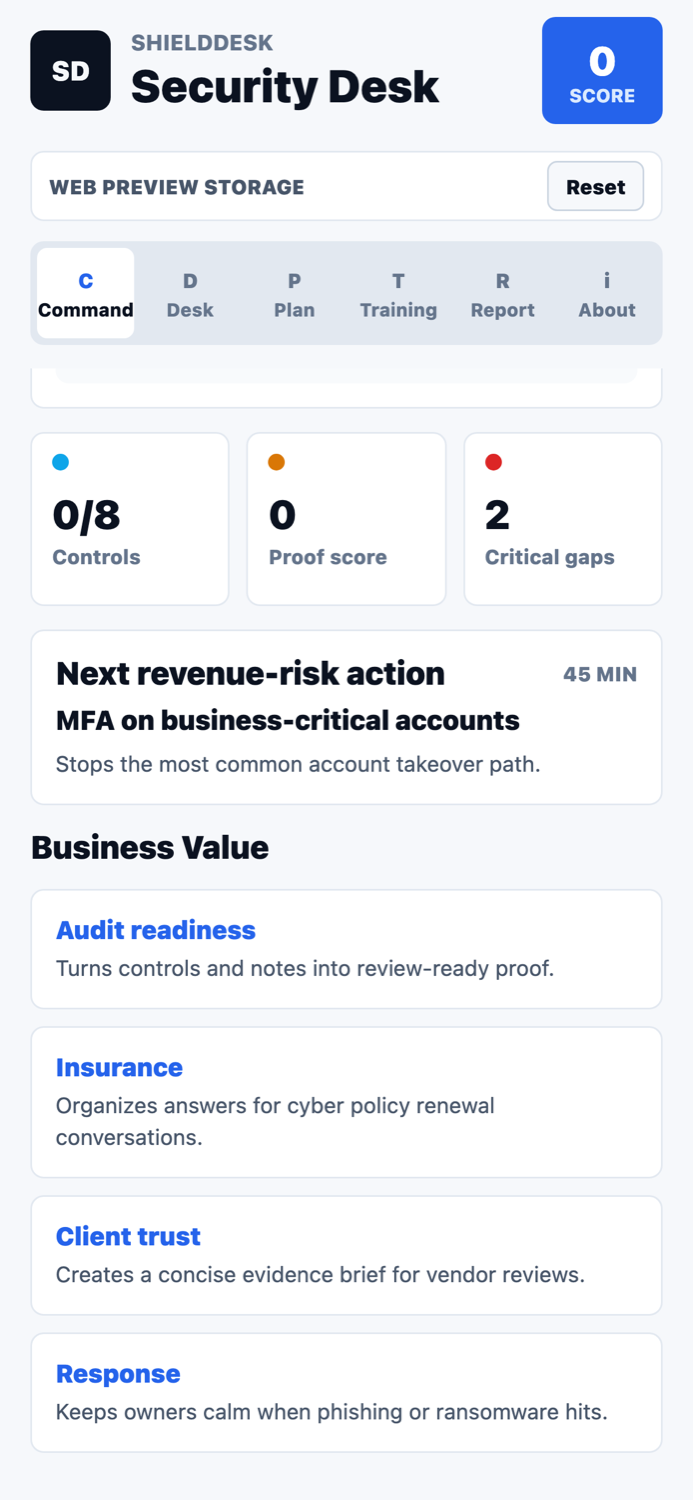
Translate readiness work into business impact, owner context, and priority.
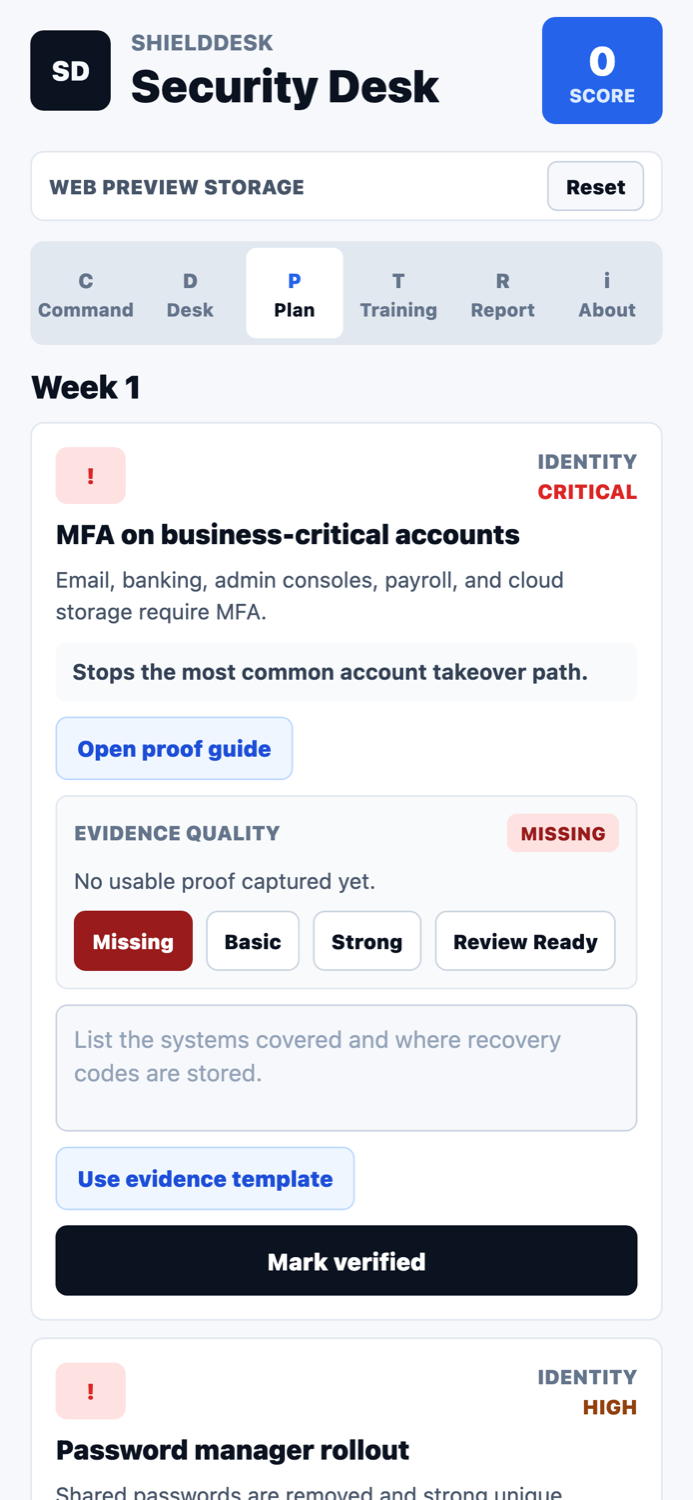
Follow a 30-day plan that keeps the next security step visible.
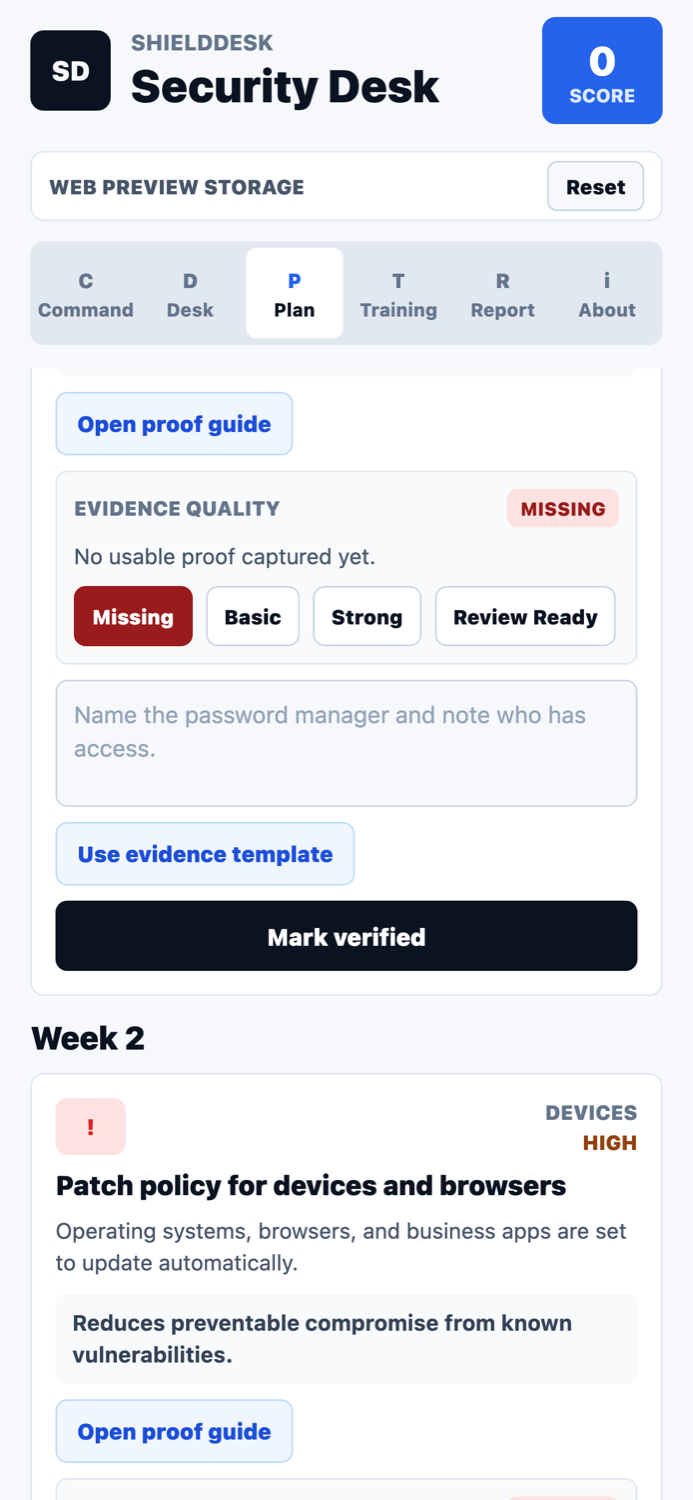
Capture notes and proof points for review, support, and follow-up.
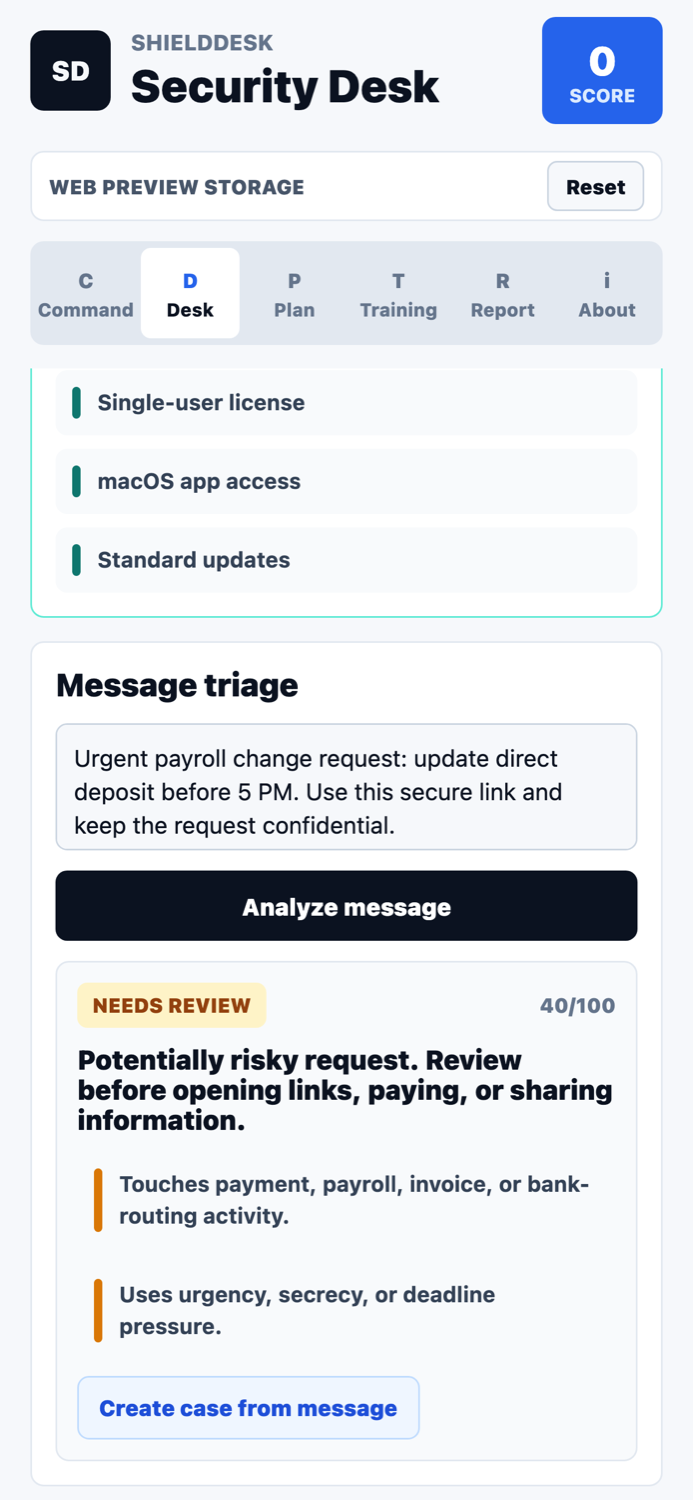
Use guided controls before replying, clicking, paying, or sharing codes.
Identify suspicious language, urgency, impersonation, and risky requests.
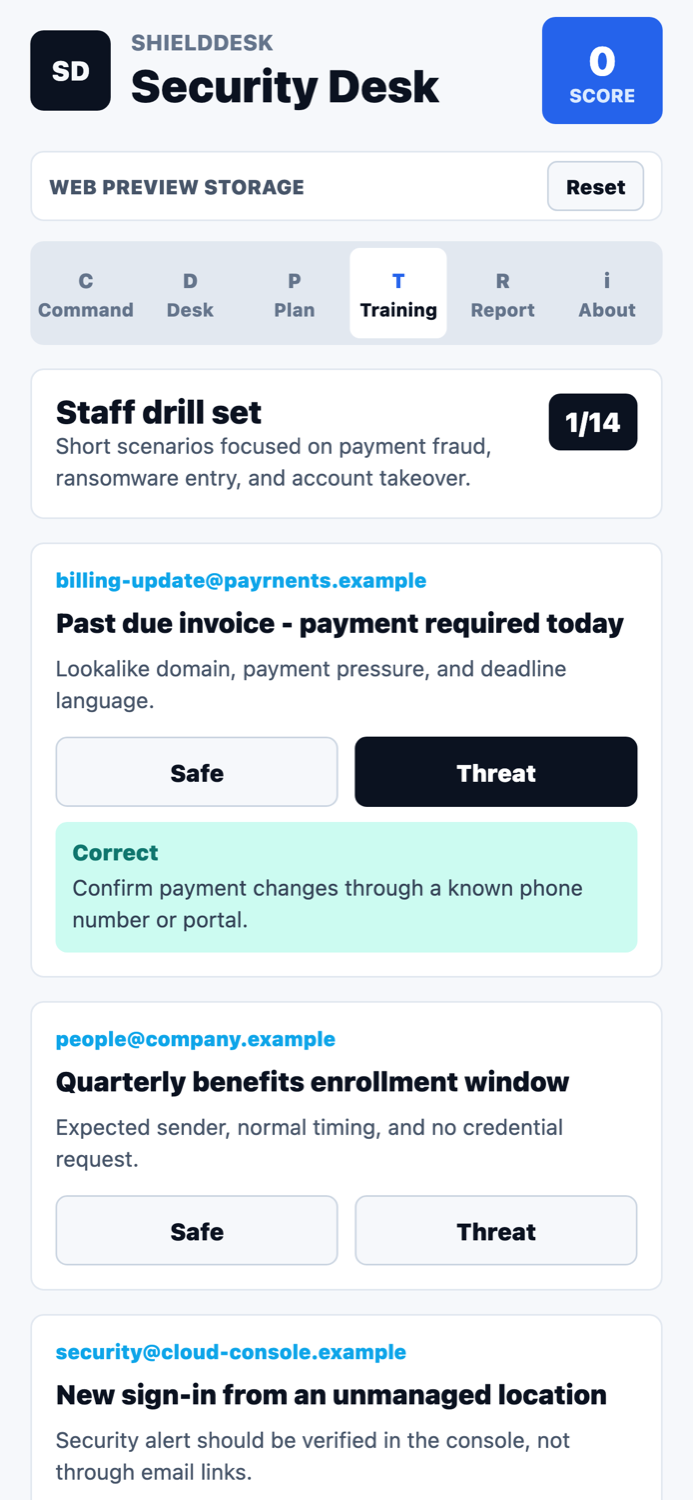
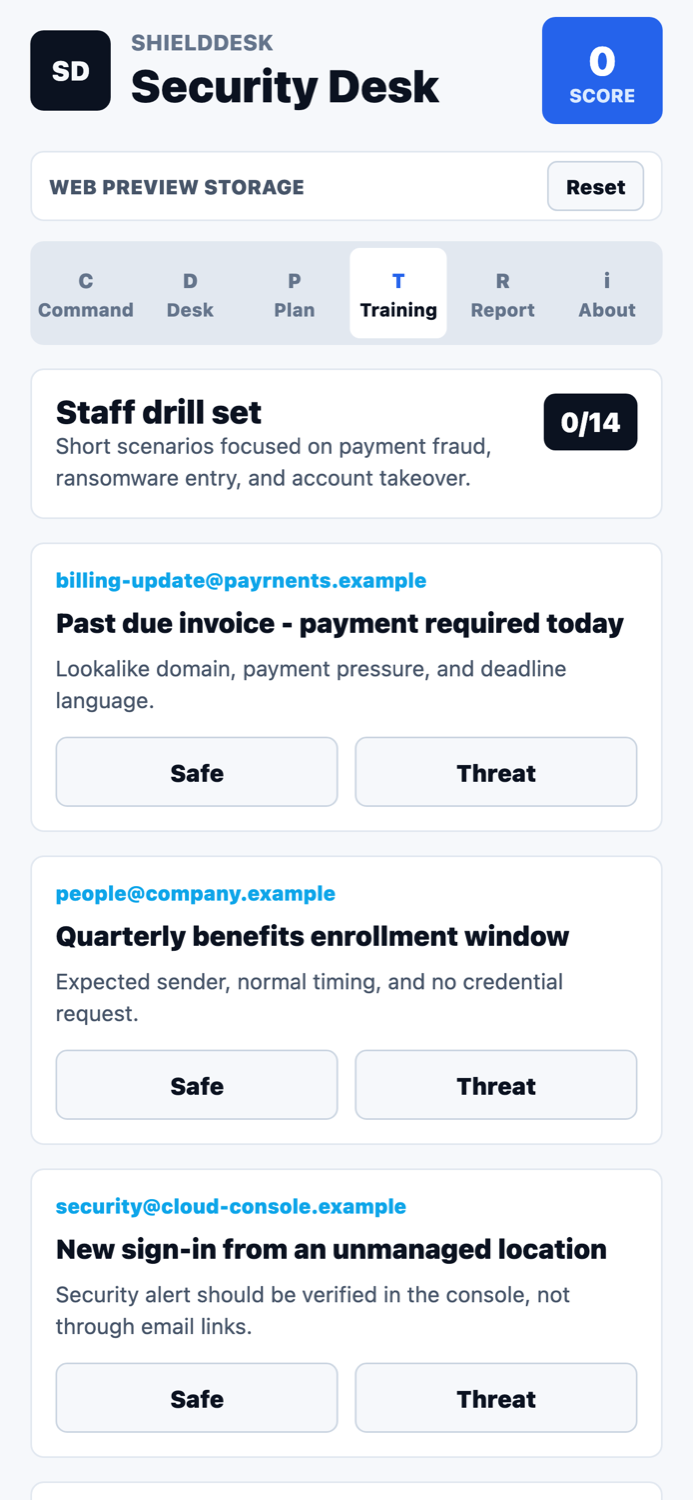
Practice phishing recognition and show staff the safer verification path.
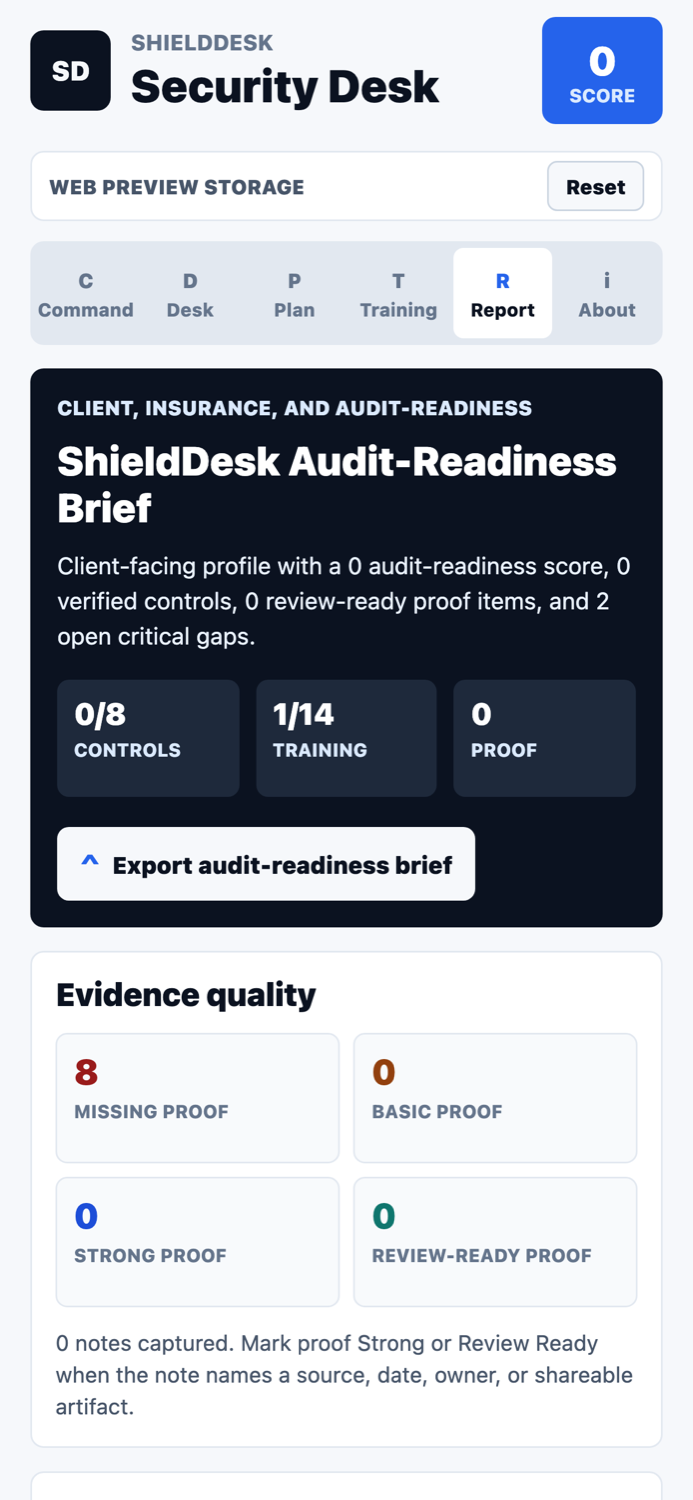
Export a user-controlled readiness brief for internal review or support handoff.
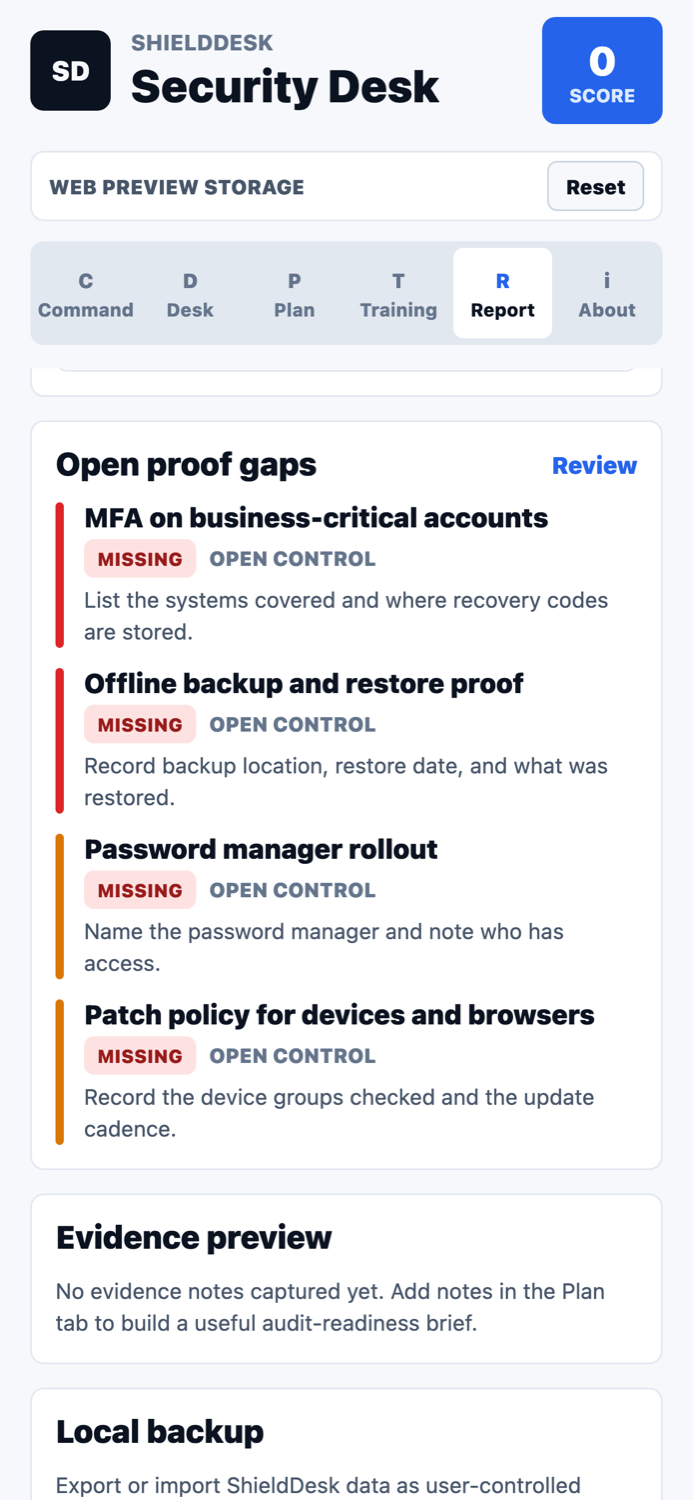
Keep proof gaps and response guidance in one local-first workspace.
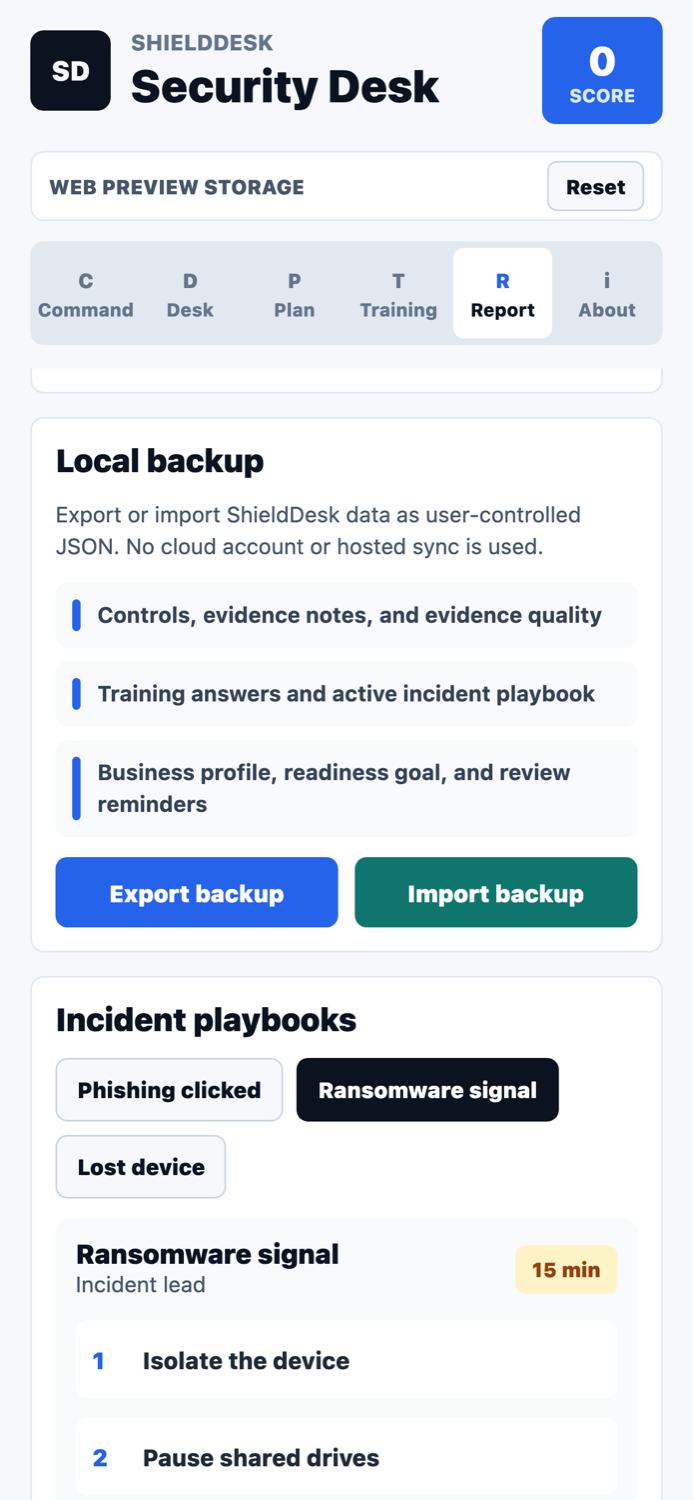
Use practical playbooks for suspicious messages, links, and response handoff.
Triage posture
ShieldDesk presents risk level, pattern score, signals, destination details, and recommended next actions. The goal is to slow down high-risk decisions and produce a clean case record for review.
iOS and macOS security workflow
ShieldDesk gives iPhone, iPad, and Mac users a clear local workflow for reviewing suspicious messages, checking risky links, creating cases, and exporting support-ready information when a review needs escalation.